
How to plan a meetup in a Circle
Once you've agreed to get together, add a meetup to your Circle. Friends can find the time, place, and replies without searching through the chat.
Add a meetup
Open “Now” in your Circle. If you see the option to create a meeting, give it a name, date, and time. For example: “Photo walk,” Saturday at 11. If you don't see the option, ask the organizer to create it. Meetups are still being tested in the beta.
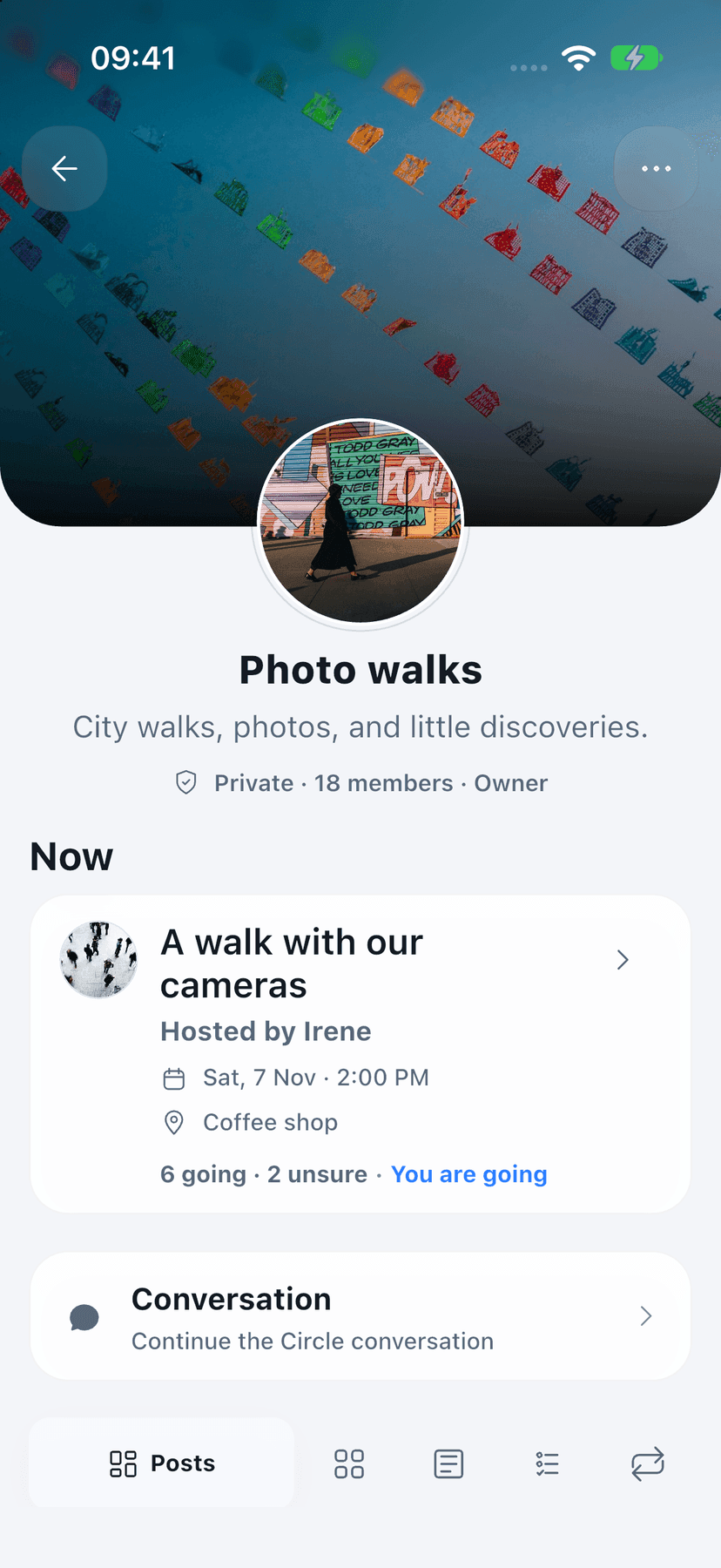
Agree on a meeting point
Say where you'll meet, such as the main entrance to the old station. If the location is marked as approximate, agree on an exact spot in the Circle chat. A station or park name may not be enough to find each other.
Let friends know if you're coming
Open the meetup and choose “Going,” “Not sure yet,” or “Can’t make it.” Wait for your reply to save. If your plans change, you can choose a different answer while the meetup is open and replies are available to you.
See who's coming
Tap the meetup's participants. The list shows only people who selected “Going,” not everyone in the Circle. Open “Conversation” to keep discussing the details.
If your reply didn't save
If you see an error, check your connection and reopen the meetup. Check which answer is saved before trying again. If the meetup has been cancelled or completed, ask the organizer about the new plans.
How to bring friends together in a Circle